

Imagine you're three hours into a long five-hour drive to visit family during the holidays. Your daughter suddenly asks, "Can I use your laptop to play Roblox?" Not just any laptop, but your work laptop—the one holding sensitive client files, financial records, and complete access to your business. You're tired from all the packing, still have hours ahead, and honestly, keeping her entertained sounds like a good idea. But what risks lie beneath?
Holiday travel brings unique security challenges you don't face in your everyday routine. Fatigue, distractions, unfamiliar WiFi networks, and blending family time with last-minute work checks all increase vulnerability. Whether your trip is for business, leisure, or a bit of both, here's how to safeguard your data without spoiling the holiday spirit.
Quick 15-Minute Prep Before Your Trip
Spend just 15 minutes prepping your devices to keep things secure and stress-free:
Essential Device Steps:
- Update all security patches and software
- Back up crucial files securely to the cloud
- Set your device to auto-lock within two minutes
- Enable "Find My Device" for phones and laptops
- Fully charge portable power banks
- Pack your own chargers and adapters to avoid last-minute scrambles
Set Expectations With Your Family:
- Clearly communicate which devices kids can and can't use
- Bring a separate family tablet or device dedicated to entertainment
- Create restricted user profiles if kids need access on your laptop
Pro Tip: If your child needs device time on the road, a separate tablet not linked to work accounts—like a $150 iPad—can save you from potential data disasters and expenses far worse than the device cost.
Hotel WiFi: Risks and Precautions
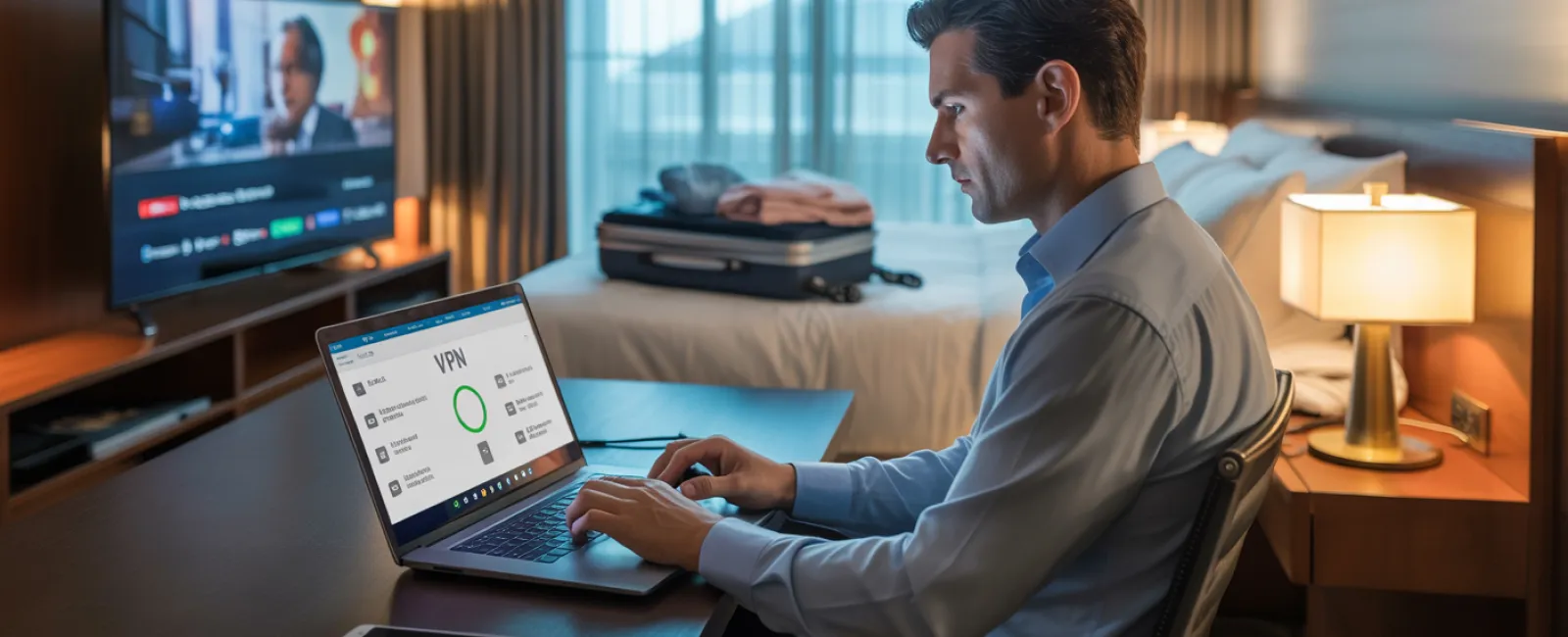
After checking in, everyone in your family quickly connects their devices to the hotel WiFi—streaming movies, checking emails, gaming, and surfing. But here's the catch: hotel networks are public and shared by many guests, some of whom might have harmful intentions.
Real-world example: A family connected to what appeared to be their hotel's WiFi, but it was a fake network set up nearby. For two days, hackers captured their passwords, credit card info, emails—the entire digital footprint.
Stay Protected With These Tips:
Confirm the exact network name: Always ask the front desk for the correct WiFi SSID. Never guess.
Use a VPN for work access: A virtual private network encrypts your data when checking emails or company files.
Prefer your phone's hotspot for sensitive activities: Banking, confidential client data, or sensitive work tasks should connect via your phone's secure mobile data, not hotel WiFi.
Separate work and family online usage: Let kids stream cartoons on the hotel WiFi, but reserve your hotspot for work-related access.
The Risks of Sharing Your Laptop
Your work laptop is a treasure trove of critical information—emails, financial accounts, client files, business systems. Kids want to watch videos, play games, or chat with friends on it.
Why this is risky: Children might unintentionally download harmful software, click suspicious pop-ups, share passwords, or forget to log out. While innocent, these actions expose your work device to security threats.
What to Do:
Politely but firmly say no to kids using work computers: "This is my work laptop, but here's another device for you to use." Consistency is key.
If sharing is unavoidable:
- Create a restricted user account
- Closely supervise their activity
- Block downloads and installations
- Avoid saving their passwords
- Clear browsing data after use
Better yet: Carry a dedicated family device when traveling, such as an older tablet or laptop without work account access.
Streaming on Hotel TVs & Why Logging Out Matters
Your family enjoys a movie on Netflix via the hotel's smart TV. You log into your account, but when you check out, you forget to sign out.
Consequences: The next guest can access your Netflix account. Worse, if your passwords overlap with other sites (please don't!), they might misuse them elsewhere.
How to Avoid This:
- Use your personal device to cast content to the TV—much safer
- If logging into the TV is necessary, set a phone reminder to log out before checkout
- Even better: Download entertainment beforehand to avoid using hotel TVs
Never log into these accounts on hotel TVs:
- Banking apps
- Work-related accounts
- Email services
- Social media platforms
- Any accounts with stored payment options
Lost Device? Act Fast
Holiday chaos can lead to losing your devices in restaurants, hotel rooms, airports, or rental cars. If your device goes missing, immediate action is crucial.
Within the first hour:
- Use "Find My Device" to track its location
- If unrecoverable, remotely lock it
- Change passwords on key accounts from another device
- Inform your IT or managed service provider to block company access
- Notify clients if sensitive business data might be at risk
Ensure your devices are equipped before travel with:
- Remote tracking enabled
- Strong password protection
- Automatic encryption of data
- Remote wipe functionality
If a family member loses their device: Follow the same steps—lock remotely, change passwords, attempt recovery.
Beware the Rental Car Data Mine
Connecting your phone to a rental car's Bluetooth to stream music or get directions may seem harmless, but these systems often save your contacts, call history, and even message previews.
Sadly, this data often remains accessible to the next driver.
Quick 30-Second Cleanup Before Returning the Car:
- Remove your phone from the car's Bluetooth devices
- Clear recent GPS destinations
- Or avoid syncing altogether by using an aux cable or offline media
Balancing Work and Vacation: Set Boundaries
You vowed this trip was family time, but you've already checked work email dozens of times, taken calls during activities, and worked while others played mini-golf.
This constant juggling reduces your security awareness, making you more prone to mistakes like clicking suspicious links or connecting to risky networks.
Here's some honest advice: If completely unplugging isn't possible, establish firm boundaries:
- Check work email only twice a day at set times
- Use your phone's hotspot—not hotel WiFi—for any work-related access
- Work in private spaces like your hotel room instead of public areas
- Be present with your family when it's family time—avoid multitasking
Ultimately, the smartest security move? Take real time off. Your business can survive a week without you, and you'll return alert and more vigilant.
Adopt a Holiday Travel Security Mindset
Real life isn't perfect. Sometimes your kid really needs that laptop. Sometimes a last-minute email is urgent while your spouse drives. That's okay.
The objective is not perfection but thoughtful risk management:
- Prepare your devices thoroughly before leaving
- Recognize high-risk activities like using hotel WiFi for banking, versus safer alternatives like your phone's hotspot
- Create clear separations between work data and family use
- Have a clear plan for incidents
- Learn to say "No" to risky device sharing and actually mean it
Create Holiday Memories Worth Keeping
The season should focus on quality time with loved ones—not on managing a data breach or apologizing to clients.
With a bit of preparation and straightforward rules, you can keep your business data secure and your family happy. Everyone wins.
Need expert help to establish travel security policies for your team and yourself? Click here or call us at 609-676-3597 to schedule your free 15-Minute Discovery Call. We'll develop practical, effective protocols that protect your business without making travel difficult.
After all, the best holiday memories shouldn't be, "Remember when Dad's laptop got hacked?"