

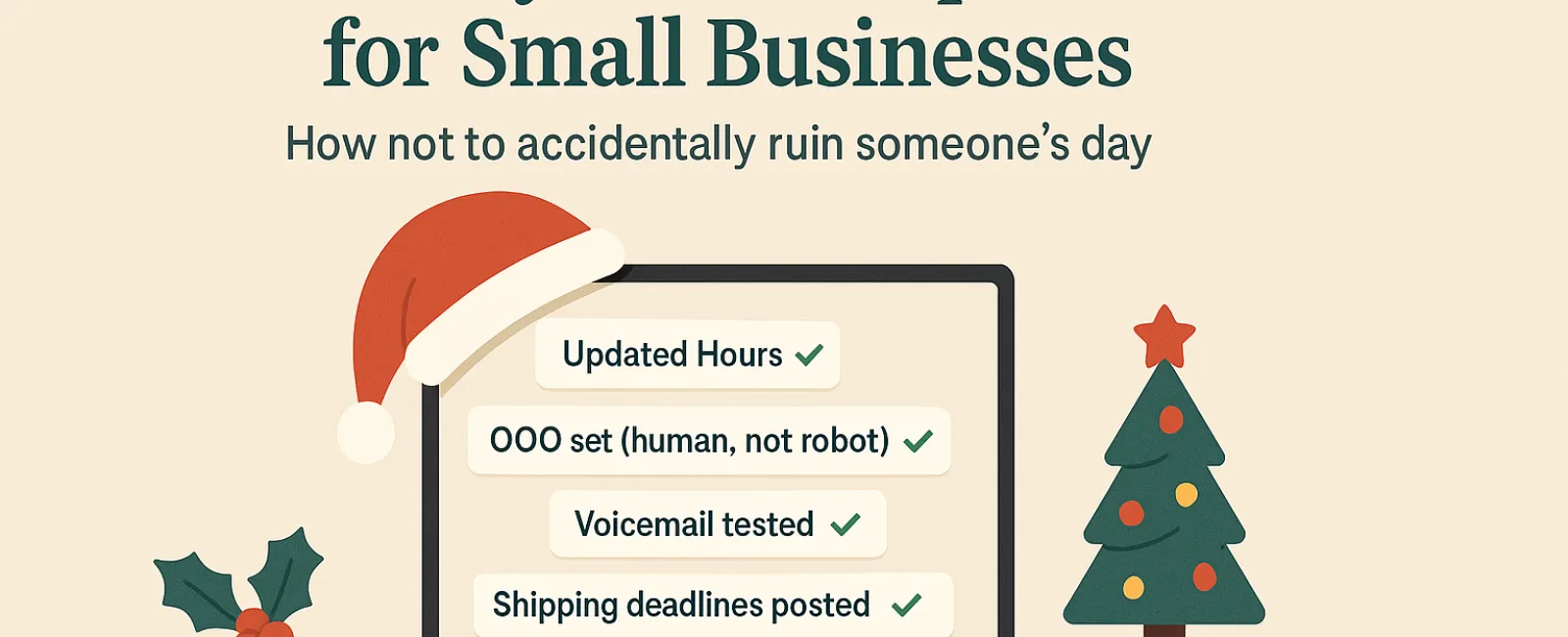
The holiday season is already a whirlwind — the last thing you need is technology adding to the chaos. Customers are racing to finish last-minute tasks, your team is balancing family commitments, and expectations are sky-high. Avoid frustrating anyone with preventable tech hiccups this year.
Consider this your essential Holiday Tech Etiquette guide to help your business stay stress-free and keep customers delighted — because no one wants to be that company that spoils a busy day.
1. Proactively Update Your Online Business Hours
Imagine a customer dashing over during lunch because your Google listing says you're open — only to find the doors locked. Don't let outdated hours create disappointed customers and damaged goodwill.
Make sure to refresh these platforms:
- Your Google Business Profile (the most visible one)
- Social media channels like Facebook, Instagram, and Yelp
- Your website banner with a clear holiday hours announcement
- Apple Maps—yes, plenty of users rely on it
Suggested message: "Happy Holidays! We'll be closed from Thursday, Nov. 28 through Sunday, Dec. 1 to enjoy time with family. We'll resume regular hours Monday morning—likely a little sleepy, but eager to assist!"
2. Craft Warm, Human Out-Of-Office Replies
If you're stepping away, an auto-reply should feel like a friendly greeting — professional yet personable, not robotic or vague.
Example out-of-office message: "Thanks for your message! Our office is closed for Thanksgiving from Nov. 28 to Dec. 1. We'll respond as soon as we're back and refreshed. If it's urgent, please call our support line at (XXX) XXX-XXXX. Wishing you a joyful holiday season!"
3. Keep Details in Out-Of-Office Replies Concise
Share only what's necessary — no one needs your holiday itinerary. Avoid revealing personal travel plans to maintain privacy and security.
Stick to your absence dates, when you'll reply, and alternative contact information. Save the vacation stories for your social channels.
4. Verify Your Phone System Is Holiday-Ready
Holiday calls are often hurried and tense. Ensure your voicemail reflects your true hours and guides callers clearly — no frustrating detours.
Pro tip: Dial your own number to check your message. You might be surprised how many greetings are stuck in the past.
Sample voicemail script: "Hi, you've reached [Business Name]. Our office is currently closed for the holiday weekend. Please leave a message, and we'll return your call Monday morning. For urgent matters, press 1 to connect with our on-call team. Happy Holidays, and thank you for your patience!"
5. Clearly Communicate Shipping Deadlines Early
For businesses handling shipments, clearly display your order deadlines well in advance and send reminder emails to manage expectations.
Late deliveries cause frustration, but missed communication damages trust. Help customers avoid awkward moments by planning ahead.
The Takeaway: Great Tech Etiquette Means Happier Customers and Stronger Business
Holiday tech best practices require just a few simple updates. By setting clear expectations and communicating with a personal touch, you'll minimize stress and keep your reputation glowing.
Remember: The goal isn't just to prevent issues — it's to show customers you care, even when you're away.
Need assistance ensuring your systems and customer experience shine this holiday season? Call us at 609-676-3597 or click here to book your free 15-Minute Discovery Call. Let's chat about how to keep everything running smoothly while you take a well-earned break.